Combining Vectors with Flash
Flash has always managed to draw vector shapes very quickly and when all things are considered, you have to admit that it can handle quite a few shapes before puking and bringing things to a crashing halt. But not too many people take advantage of that fact so I’d like to show an example of what you can do with Flash if you never “lift your pen” or if you don’t issue an “endFill” or “beginFill” command while drawing various shapes. To get a better idea of what I’m talking about, try clicking and dragging in the SWF below (pressing any key clears the screen):
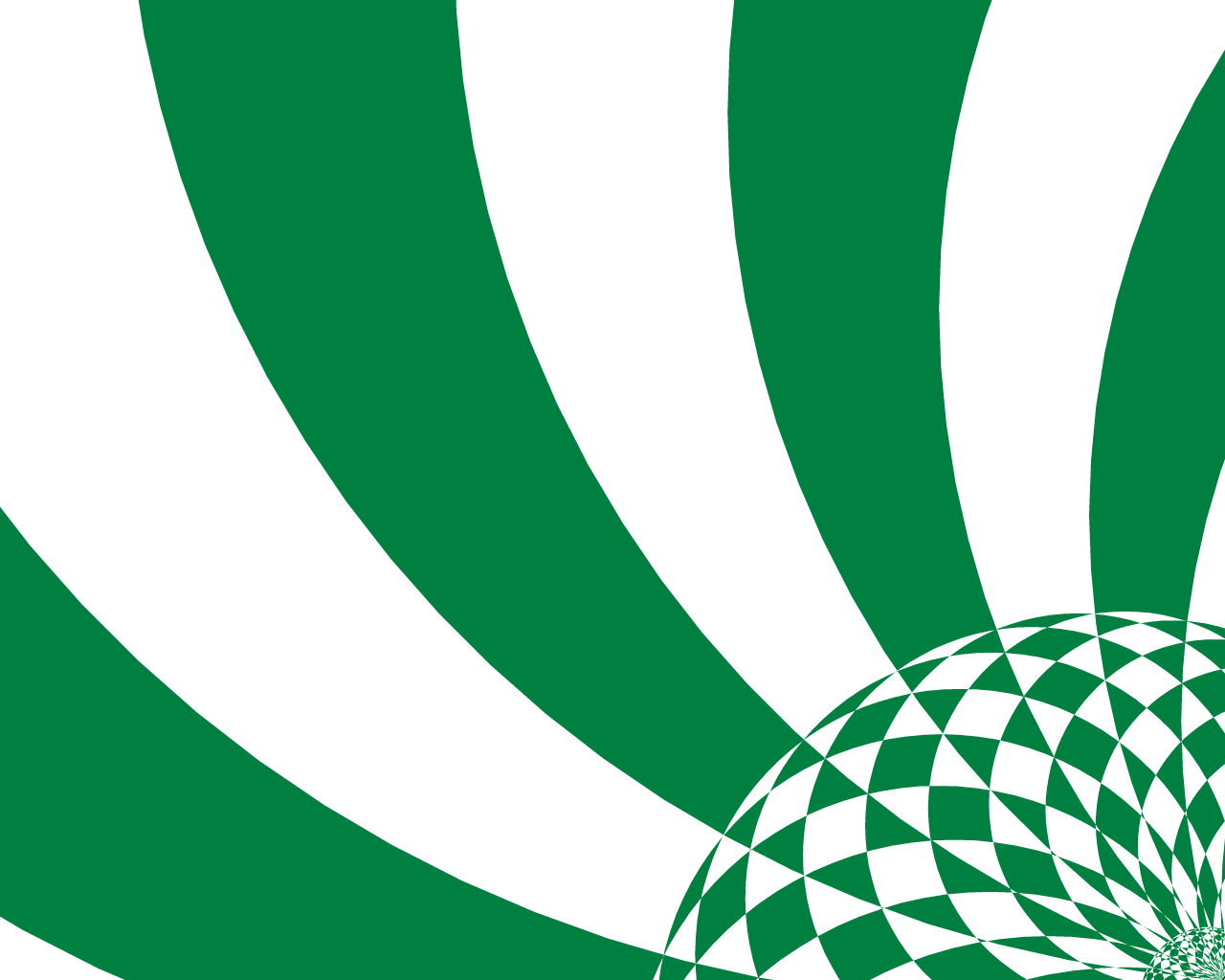
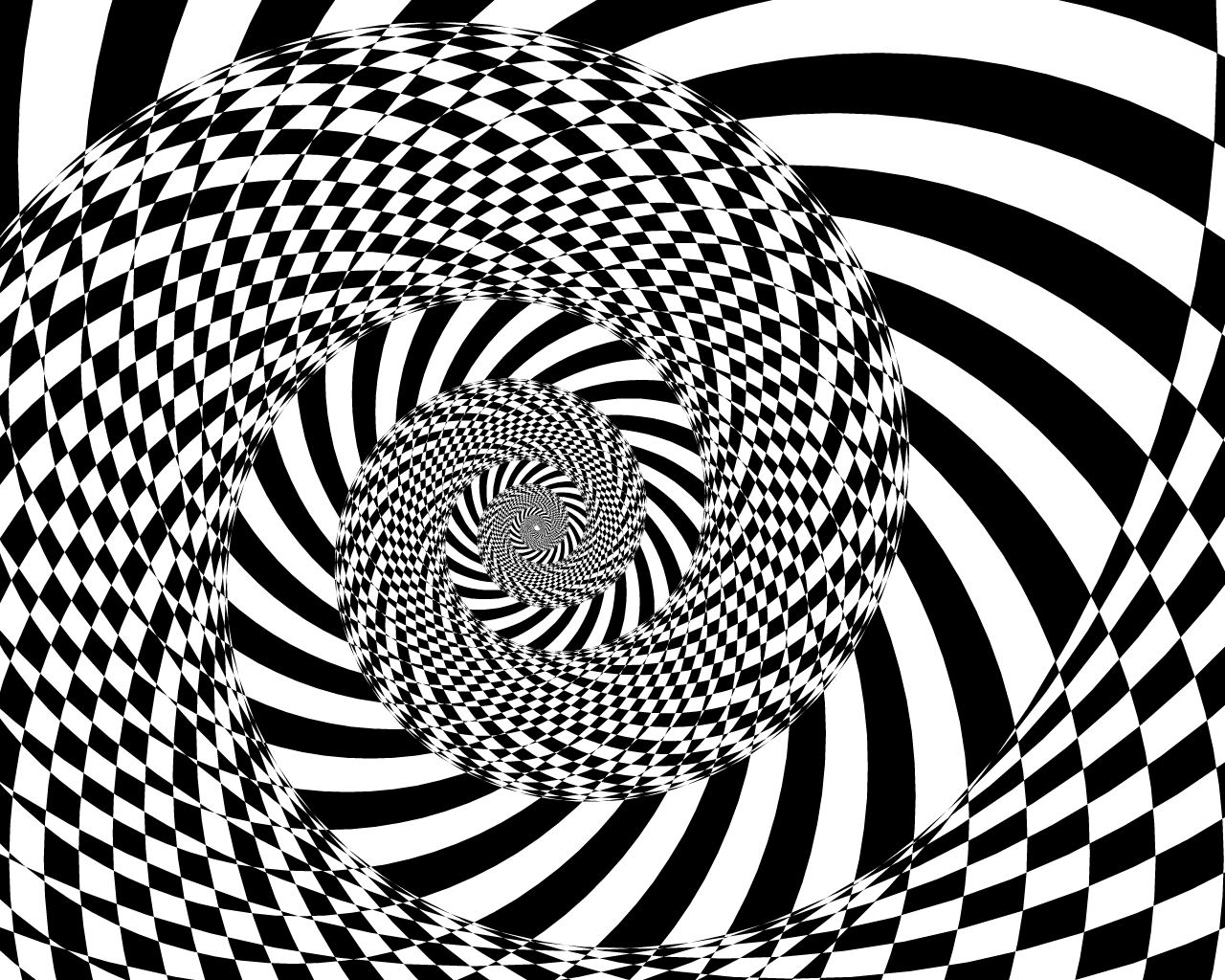
That checkerboard pattern is a result of the way Flash draws overlapping shapes under one beginFill command.
In the following SWF I used circles to create a similar effect. Clicking the mouse "flattens" the vectors to a bitmap image. Clicking again restarts the process with a new random color. Click to activate.
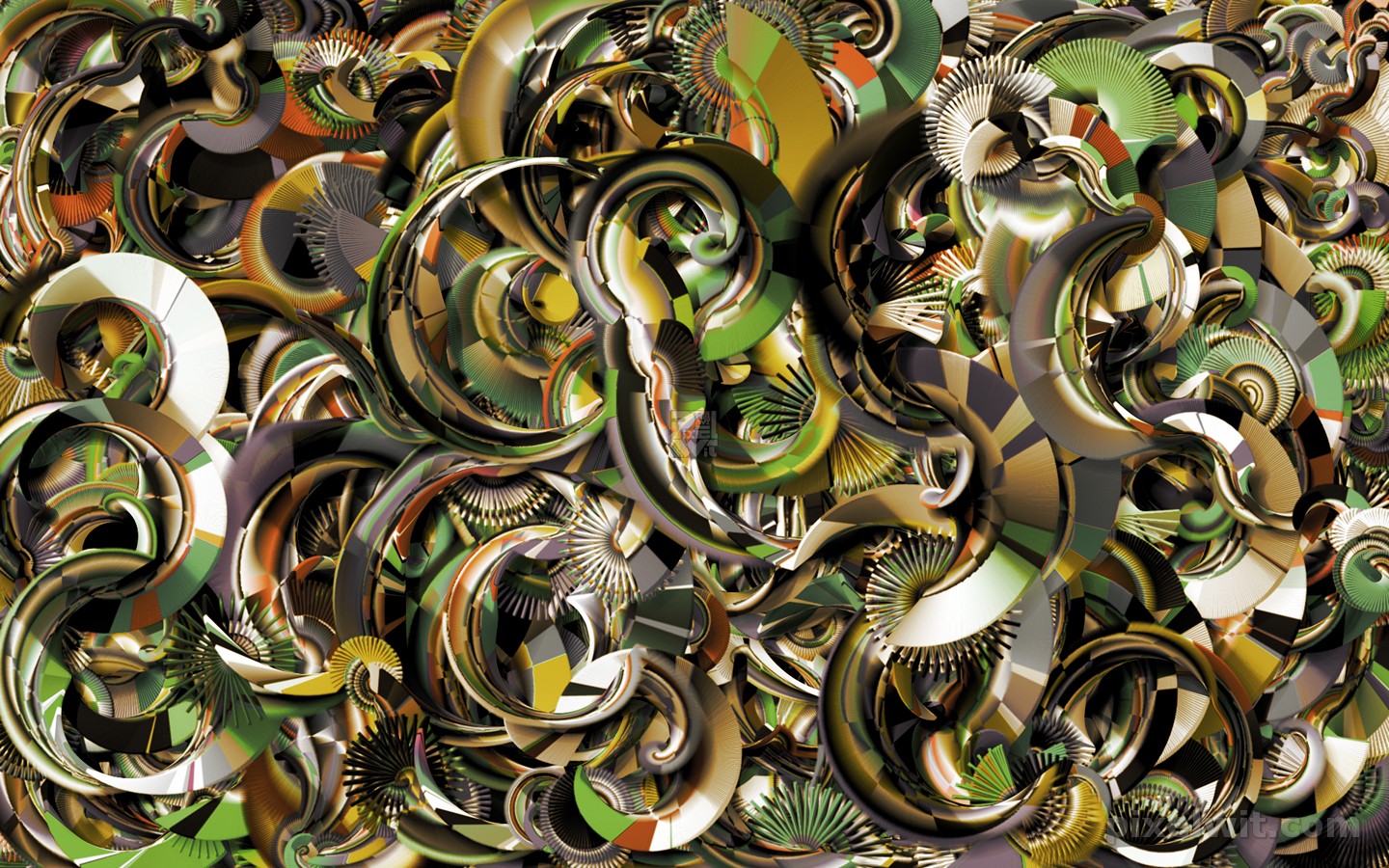
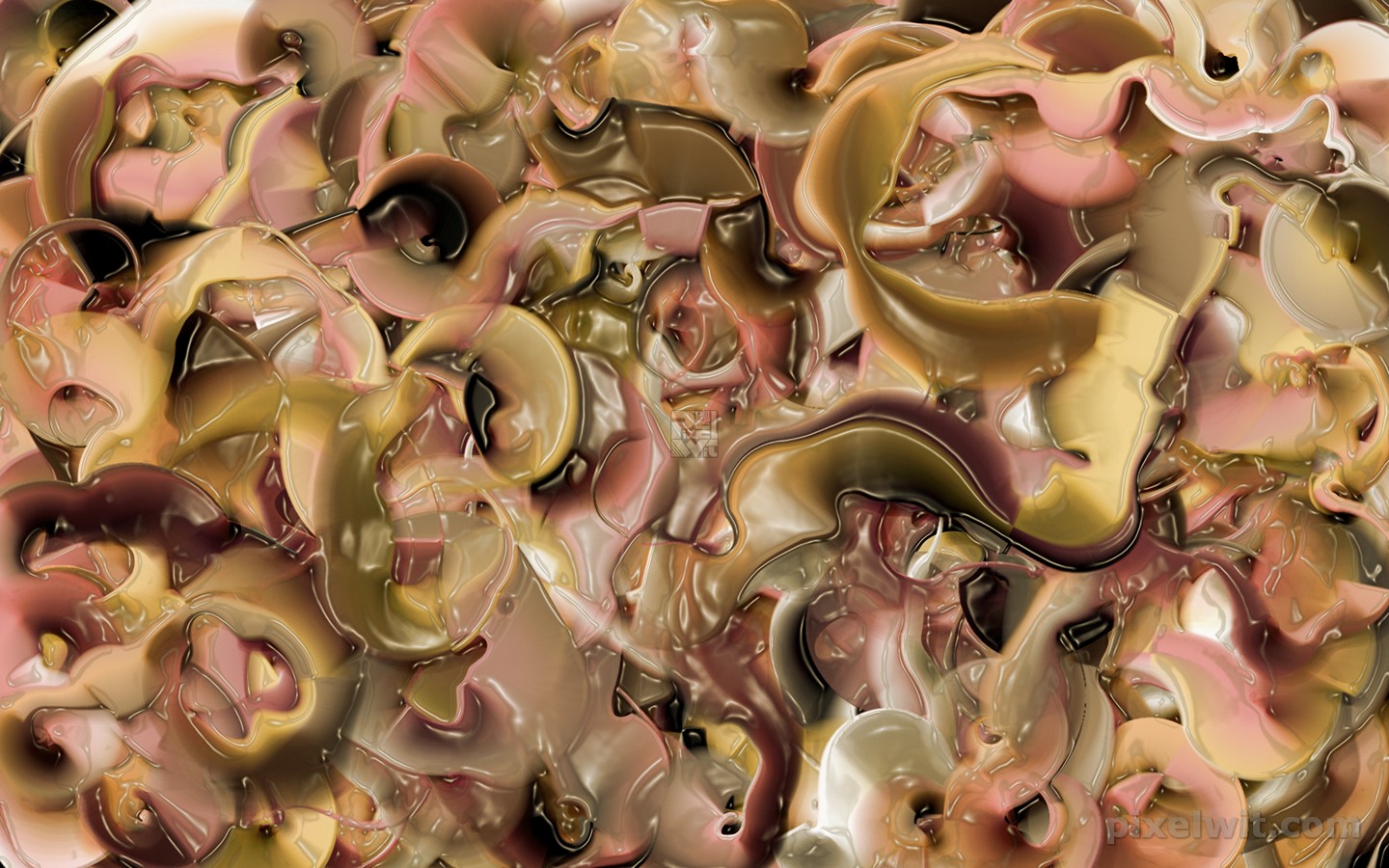
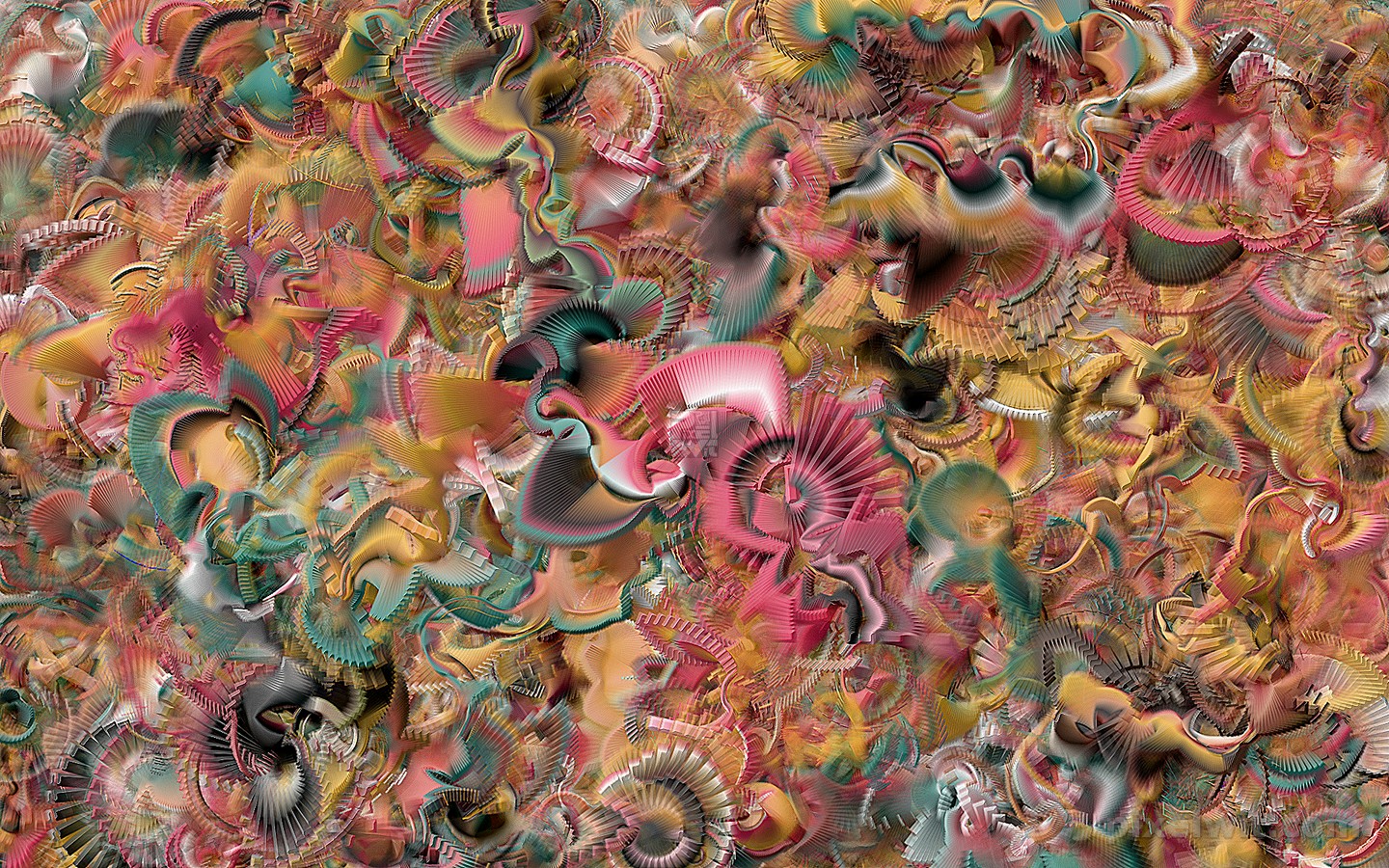
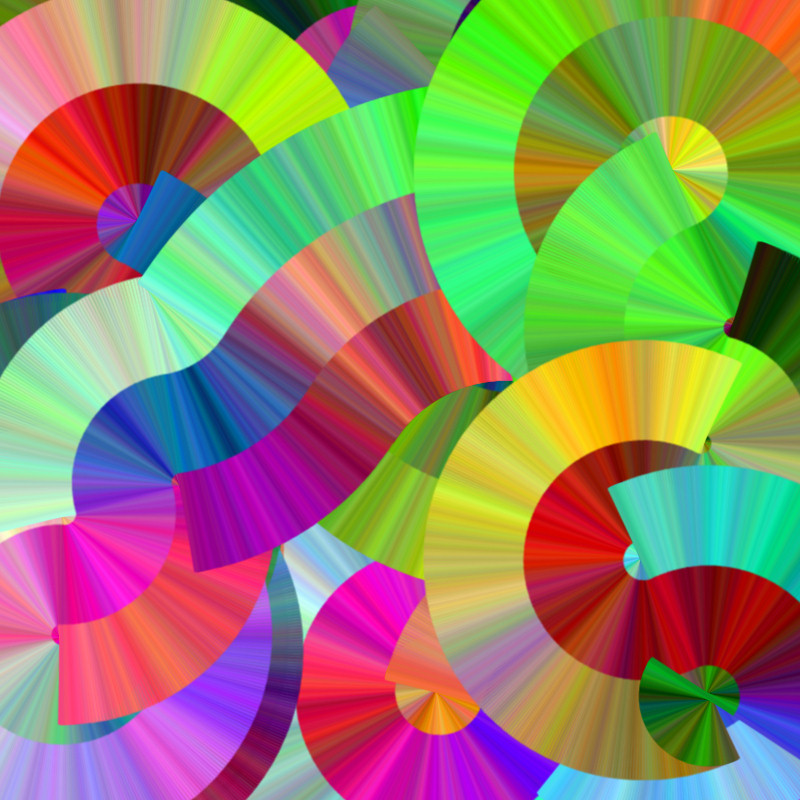
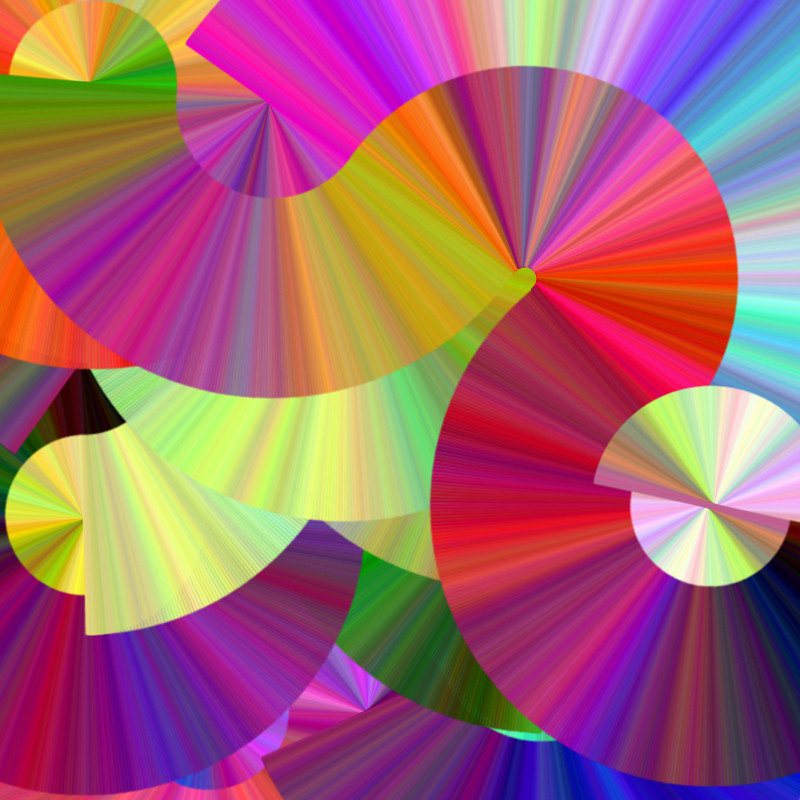
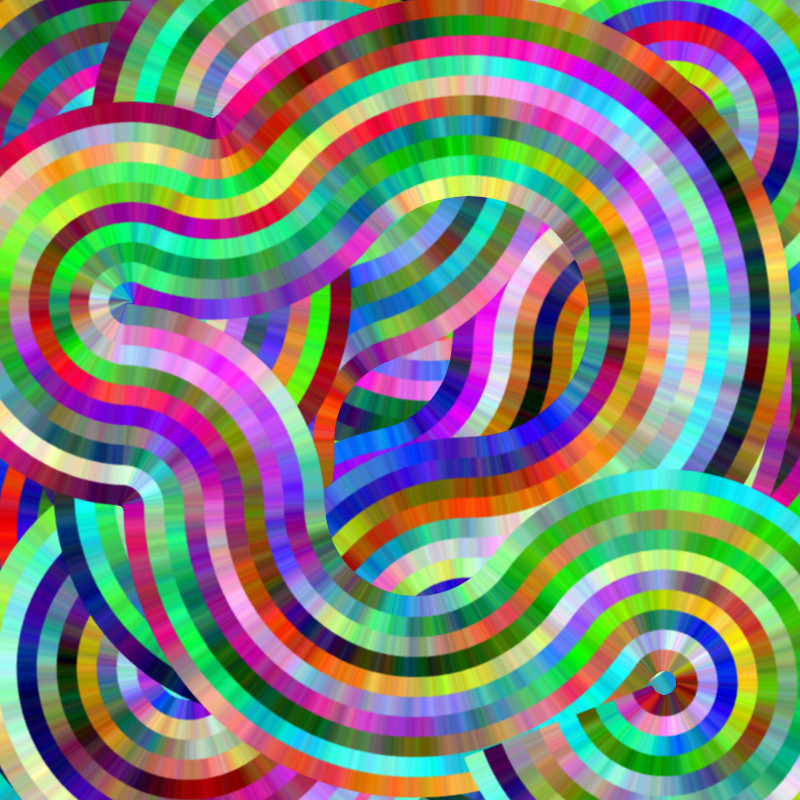
*Update: If you'd like to see images created with code derived from the SWF examples above you can check out the Checkered and Circle image galleries.
 Comments(2)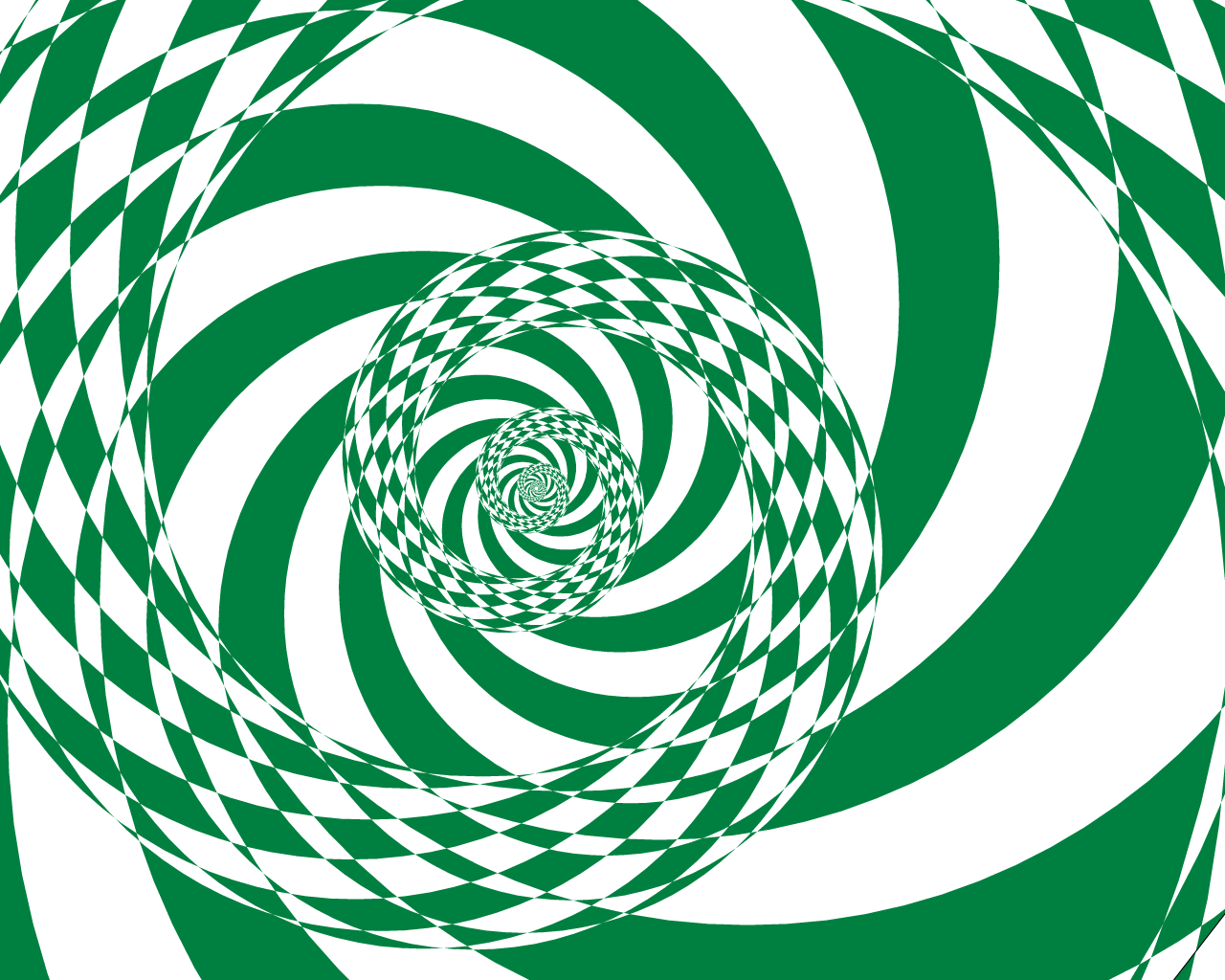
 RSS Feeds

It will be cool to generate this effect with some recursive function.
duyanh
try playing with beginFill
Can anyone give me a tutorial to make this effect?